


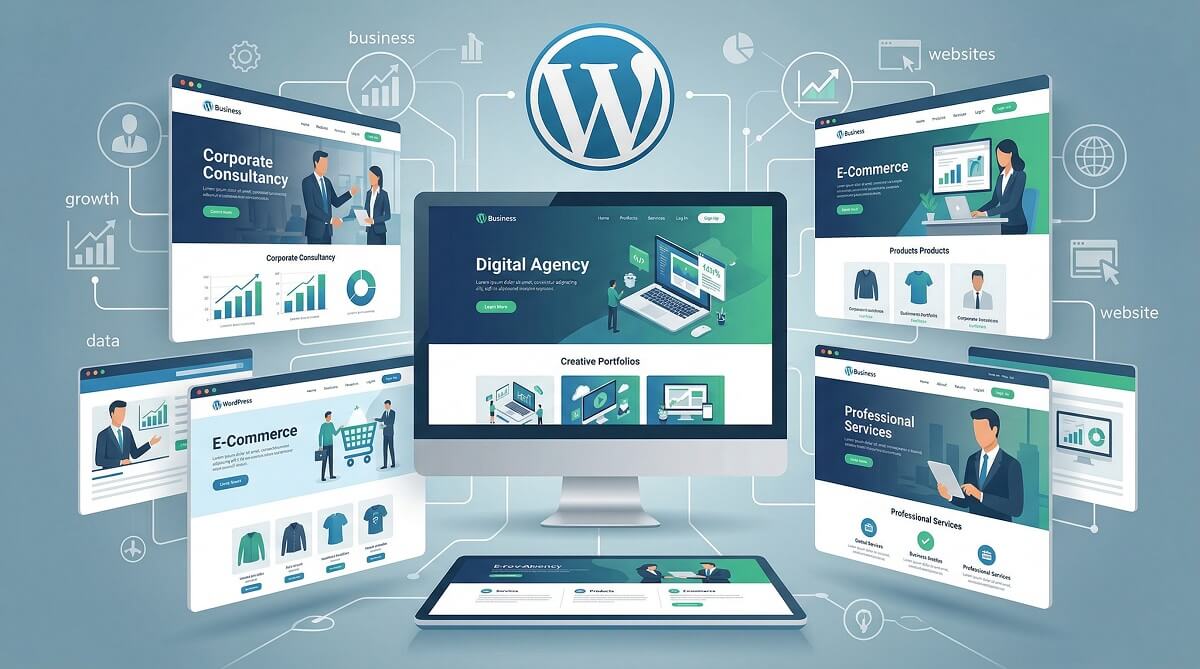
Seventy-five percent of people form an opinion about a business based on its website design — and that snap judgment happens in under a second. For small business owners and entrepreneurs building on WordPress, that puts the theme choice front and center before a single word of copy gets written.
But picking a WordPress business theme isn’t just about looking professional. The wrong pick can saddle you with slow load times, a page builder that holds your content hostage, or a support team that vanishes the moment you hit a problem. This guide cuts through the noise: we’ve compared the most-recommended WordPress business themes across performance, pricing, page builder compatibility, and long-term usability — so you can make an honest, informed decision.

WordPress guides and theme comparisons
What Makes a WordPress Business Theme Worth Using?
Not every theme labeled “business” delivers what a business actually needs. Before jumping into specific options, it helps to know what separates a genuinely useful theme from one that looks great in a demo but frustrates you six months in.
Here are the six criteria that matter most:
- Core Web Vitals performance: Google measures page experience through metrics like LCP (Largest Contentful Paint) and CLS (Cumulative Layout Shift). A theme that loads bloated scripts, even with great demo content, will hurt your search rankings. Look for themes with a lightweight codebase — under 50–100KB before plugins.
- Customization without code: Whether you use a page builder or the native WordPress block editor, you should be able to adjust layouts, colors, fonts, and section structure without touching PHP or CSS. If the theme requires developer assistance for basic branding changes, it’s not built for business owners.
- Page builder compatibility: Most businesses rely on Elementor, Beaver Builder, or the Gutenberg block editor. A theme that plays well with your preferred builder means less friction and fewer compatibility headaches.
- WooCommerce readiness: Even if you’re not running an online store today, having a theme that handles WooCommerce well keeps your options open. Look for native cart, checkout, and product page customization — not just a “compatible” badge.
- Support quality and update frequency: A theme that hasn’t been updated in a year is a liability. Active development means compatibility with new WordPress versions, security patches, and ongoing support channels.
- Block editor / Full Site Editing (FSE) compatibility: WordPress is moving toward full site editing. Themes built around the block editor today will be easier to maintain as WordPress evolves — a real consideration if you’re building for the long term.
The 10 Best WordPress Business Themes
The following themes are ordered by use-case fit, not arbitrary ranking. Each has been selected based on real usage patterns, verified pricing, and measurable performance indicators.
1. Astra — Best for Speed and Versatility
With over one million active installations — making it the most widely used non-default WordPress theme on the planet — Astra has earned its place through consistent performance rather than marketing. The free version alone handles more than most small businesses need.
Astra’s core selling point is its sub-50KB initial footprint. That’s a genuine differentiator in a market where “lightweight” often means “lighter than the next bloated option.” It works seamlessly with Elementor, Beaver Builder, Brizy, and the Gutenberg block editor, so it adapts to whatever workflow you prefer rather than forcing you into one. The 240+ starter templates (available in Pro) let you import a full business layout in minutes.
- Pros: Genuinely lightweight; works with every major page builder; excellent free version; strong WooCommerce support; large community
- Cons: Advanced starter templates require Pro; popular enough that sites can look similar without heavy customization
Pricing: Free on WordPress.org. Astra Pro starts at $59/year (single site). Pricing verified March 2026 via wpastra.com.
Best for: Small businesses, freelancers, agencies — especially those who want flexibility without committing to a specific page builder.
2. Divi — Best for Conversion-Focused Sites with A/B Testing
Divi’s biggest differentiator isn’t the 200+ website packs or the visual front-end editor — it’s Divi Leads, a built-in A/B split testing tool that most themes completely ignore. You can test two versions of a CTA, a headline, or an entire section without installing a third-party tool.
The pricing model also stands out. At $89/year for unlimited websites, Divi is one of the few themes that doesn’t penalize you for growing. A lifetime license is available at $249 — a reasonable investment if you’re managing multiple client sites.
The honest caveat: content built with the Divi builder is tightly coupled to the theme. If you decide to switch themes down the road, migrating that content takes effort. For businesses committed to Divi long-term, this isn’t a problem. For those who might want portability later, factor that in.
- Pros: Built-in A/B testing; unlimited sites at $89/year; extensive layout library; active development; Divi AI included
- Cons: Content tied to Divi builder (migration complexity); can be slower than lightweight themes if not optimized
Pricing: $89/year (unlimited sites) or $249 lifetime. Verified March 2026 via elegantthemes.com.
Best for: Marketers, conversion-focused businesses, agencies building multiple client sites.
3. GeneratePress — Best for Developers and Block Editor Enthusiasts
Few themes are as intentionally minimal as GeneratePress. At under 30KB, it sets performance benchmarks that most themes can’t touch. The design is bare by default — intentionally so. GeneratePress is built for people who want to layer on exactly what they need, nothing more.
Its native integration with the WordPress block editor is particularly notable. As WordPress continues moving toward full site editing, GeneratePress is positioned well. The companion GenerateBlocks plugin extends the block editor with powerful layout capabilities without requiring a separate page builder ecosystem.
- Pros: Exceptionally fast; clean, stable codebase; excellent block editor integration; 60+ starter sites in Premium
- Cons: Minimal default design requires significant customization effort; less intuitive for non-developers; advanced layouts need GenerateBlocks
Pricing: Free on WordPress.org. GeneratePress Premium at $59/year (single site); GP One Bundle (includes GenerateBlocks Pro) at $149/year. Verified March 2026 via generatepress.com.
Best for: Developers, technically inclined business owners, anyone committed to the WordPress block editor long-term.
4. Neve — Best for Mobile Performance
Mobile traffic represents over half of web visits globally, and Neve was designed with that reality in mind. Its mobile-first architecture means the theme prioritizes how pages render on phones and tablets — not as an afterthought, but as the primary use case.

Neve works with Elementor, Beaver Builder, and Brizy, and has its own WooCommerce Booster in the Business plan. The 100+ starter templates cover a wide range of niches. ThemeIsle backs it with a 30-day money-back guarantee on all paid plans.
- Pros: Mobile-first design; wide page builder compatibility; strong WooCommerce features (Business plan); 30-day money-back guarantee
- Cons: White-label features only in Agency plan; some starter templates are generic
Pricing: Free on WordPress.org. Neve Personal at $69/year; Business at $149/year (includes WooCommerce Booster); Agency at $259/year. Verified March 2026 via themeisle.com.
Best for: Service businesses with heavy mobile traffic; businesses using multiple page builders.
5. OceanWP — Best for WooCommerce Stores
OceanWP’s free version ships with WooCommerce features that most themes charge extra for: floating add-to-cart bars, quick-view modals, cart popups, and a distraction-free checkout. For small online stores on a tight budget, this depth is hard to match at zero cost.
The premium extensions (Ocean eComm Treasure Box and others) add product swatches, checkout manager controls, and advanced display options. Even without upgrading, OceanWP gives eCommerce businesses a solid foundation.
- Pros: Exceptional WooCommerce depth in free version; low-cost premium entry point; lightweight and fast; extensive extension library
- Cons: More powerful features require premium extensions; interface can feel cluttered with many options
Pricing: Free on WordPress.org. OceanWP Personal at $54/year (3 sites); Business at $89/year (10 sites). Verified March 2026 via oceanwp.org.
Best for: Online stores, WooCommerce-focused businesses, budget-conscious eCommerce setups.
WordPress theme vs page builder explained
6. Thrive Theme Builder — Best for Lead Generation and Conversion
If your business model depends on capturing leads — coaching programs, online courses, consulting funnels — Thrive Theme Builder addresses that with a level of specificity other themes don’t. The Central Style Panel lets you define brand colors and fonts globally, then update every button, link, and element across your entire site in one change.
The real power comes from integration with the rest of the Thrive Suite. Thrive Leads handles opt-in forms, Thrive Architect gives page-level control, and Thrive Apprentice manages online courses — all connected natively to the theme.
- Pros: Centralized brand management; deep integration with lead gen and course tools; site-wide consistency without per-page tweaking
- Cons: High cost at $299/year for full suite; content tied to Thrive builder; can conflict with third-party layout plugins
Pricing: Thrive Theme Builder standalone at $99/year. Full Thrive Suite at $299/year. Verify current pricing at thrivethemes.com.
Best for: Coaches, consultants, online course creators, and marketers focused on conversion optimization.
7. SeedProd — Best for Building a Fully Custom Theme Without Code
SeedProd started as a landing page and coming-soon plugin. It has evolved into a full theme builder that replaces the traditional WordPress theme architecture entirely. You define every template — header, footer, single post, archive, 404 — using the same drag-and-drop interface you’d use for a landing page.
The 350+ website kits give you complete frameworks to build from rather than blank canvases. The new SeedProd AI can spin up a full site from a text prompt in roughly 60 seconds. One important note: the theme builder requires the Pro plan ($199.50/year) or higher — the Basic plan at $39.50/year is limited to standalone landing pages.
- Pros: All-in-one (theme + landing pages + maintenance mode); 350+ site kits; AI site builder; 1M+ active installs
- Cons: Theme builder requires Pro plan ($199.50/year+); replaces WordPress theme system entirely (steeper learning curve)
Pricing: Basic at $39.50/year (landing pages only); Plus at $99.50/year; Pro at $199.50/year (includes theme builder); Elite at $239.60/year. Verified March 2026 via seedprod.com.
Best for: Businesses that want complete design control without hiring a developer; businesses with complex funnel requirements.
8. Avada — Best for Feature-Rich Enterprise Sites
Avada holds the record as the all-time best-selling WordPress theme on ThemeForest, with over 950,000 sales and a 4.78/5 rating from 37,370 verified buyers. That kind of sales volume means an enormous community, extensive documentation, and a development team financially incentivized to keep the product current.
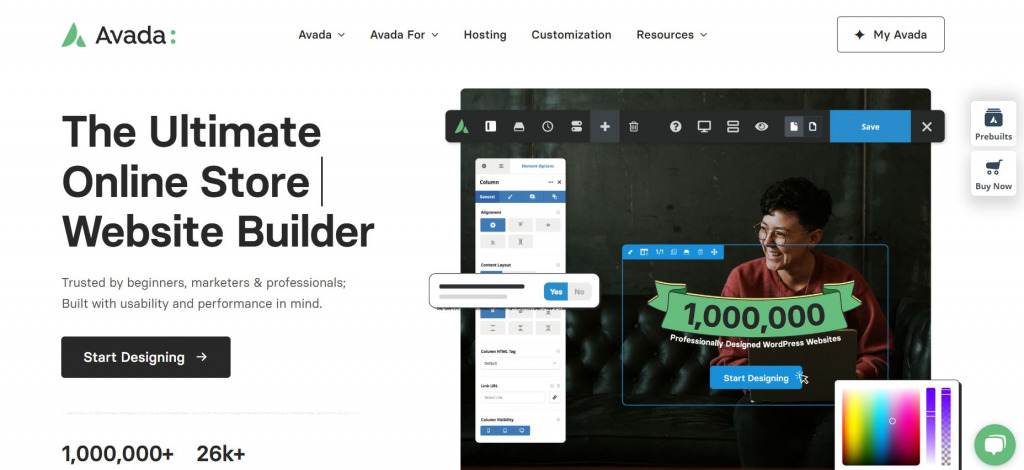
The Fusion Builder gives you real-time visual editing with 120+ design elements. At $60 as a one-time purchase, Avada offers lifetime updates — though support is limited to 6 months with the initial purchase (extendable for a fee).
- Pros: #1 best-selling theme; 4.78/5 from 37,370 reviews; one-time purchase ($60); 100+ demos; full WooCommerce support
- Cons: Feature complexity has a learning curve; support subscription required after 6 months; content tied to Fusion Builder
Pricing: $60 one-time purchase on ThemeForest (includes lifetime updates + 6 months support). Verified March 2026 via ThemeForest.
Best for: Established businesses, agencies, larger companies needing a feature-complete solution with proven longevity.
9. Consulting (by StyleMixThemes) — Best for Corporate and Finance Sites
Most multipurpose themes offer generic business demos. Consulting takes a different approach: 50+ demos built specifically for corporate sectors — financial advisory, tax consulting, legal services, insurance, trading firms, and more. Each comes with the tooling those industries actually need.
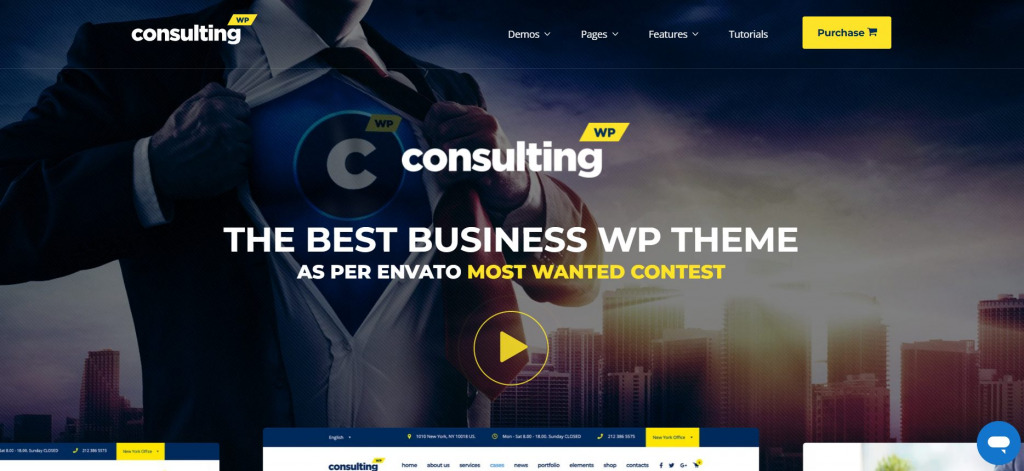
The built-in Cost Calculator plugin lets visitors estimate service pricing. Zoom meetings integration enables online consultations directly through the site. ThemeForest reviewers rate it 4.85/5 from 1,051 reviews across 28,845+ sales. For a consulting or finance firm wanting a professional site without custom development, this is a focused, practical option.
- Pros: Industry-specific demos; built-in appointment tools; Zoom integration; 4.85/5 ThemeForest rating; Elementor + WPBakery compatible
- Cons: More niche-specific than multipurpose; ThemeForest purchase model (one-time, with support renewal)
Pricing: $59 one-time on ThemeForest. Verified March 2026 via ThemeForest.
Best for: Consulting firms, financial advisors, law offices, and professional service businesses.
10. Sydney — Best for Elementor-Focused Businesses on a Budget
Sydney threads an interesting needle: a free theme with deep Elementor integration and 30+ ready-made site layouts, available to anyone. The no-cost plan covers more ground than many themes charge for. The Pro tier (around $69/year) unlocks additional designs and WooCommerce customization, but many small businesses won’t need it immediately.
With 90,000+ active installs and an update as recently as March 2026, Sydney’s development is active. It’s a practical, no-frills starting point for businesses committed to the Elementor ecosystem.
- Pros: Generous free version; strong Elementor integration; budget-friendly Pro option; WooCommerce compatible
- Cons: Fewer starter sites than Astra; most focused on Elementor (less flexible with other builders)
Pricing: Free on WordPress.org. Sydney Pro around $69–$119/year depending on plan. Check current pricing at athemes.com.
Best for: Budget-conscious small businesses, Elementor users, anyone starting with zero upfront cost.
Quick Comparison: All 10 Themes at a Glance
Here’s how the themes compare across the criteria that matter most for business sites:
| Theme | Free Version | Entry Price/Year | Page Builder | WooCommerce | Block Editor | Best For |
|---|---|---|---|---|---|---|
| Astra | ✅ | $59/yr | All major builders | Full | Full FSE | Versatility, speed |
| Divi | ❌ | $89/yr | Own Divi builder | Yes | Partial | Conversion, A/B testing |
| GeneratePress | ✅ | $59/yr | Gutenberg native | Basic | Full FSE | Developers, speed |
| Neve | ✅ | $69/yr | All major builders | Booster (Business) | Full FSE | Mobile performance |
| OceanWP | ✅ | $54/yr | Elementor, Beaver | Deep (free!) | Partial | WooCommerce stores |
| Thrive Theme Builder | ❌ | $99/yr | Own Thrive Architect | Yes | No | Lead generation |
| SeedProd | ❌ (basic only) | $199.50/yr (theme) | Own SeedProd builder | Elite plan | No | Custom theme builder |
| Avada | ❌ | $60 one-time | Fusion Builder + Elementor | Full | Yes | Enterprise, agencies |
| Consulting | ❌ | $59 one-time | Elementor + WPBakery | Yes | Partial | Corporate, finance |
| Sydney | ✅ | ~$69/yr | Elementor-focused | Yes | Partial | Budget Elementor users |
Prices verified March 2026. Check official sites for current offers and discounts.
Compare WordPress page builders
Free vs. Premium WordPress Business Themes — When Does Upgrading Make Sense?
The free tiers of Astra, GeneratePress, Neve, and OceanWP are genuinely capable. They’re not stripped-down trial versions designed to frustrate you into upgrading — they’re functional themes that thousands of businesses run at $0/month.
That said, here’s an honest breakdown of when the free tier is enough and when it isn’t:
Stay free if:
- You’re launching a simple brochure site with 5–10 pages
- You have one or two business locations and no eCommerce
- Your budget is genuinely limited and you need to validate demand first
- You’re comfortable doing basic customizations yourself
Upgrade when:
- You need access to the full starter template library (Astra Pro unlocks 240+)
- WooCommerce is central to your business and you want advanced cart/checkout features
- You run an agency and need white-label capabilities or multi-site licensing
- Dedicated support matters — most free tiers rely on community forums rather than ticket support
- You want advanced header/footer builders, conditional layouts, or hook-based content injection
The decision framework: if your website is a revenue-generating asset, the cost of a premium theme ($50–$100/year) is trivial compared to the business impact. If the site is primarily informational with low traffic, the free version is usually enough.
The Page Builder Lock-In Problem
One thing competitors rarely discuss honestly: several of the most popular WordPress business themes create a lock-in situation with their own builders.
Divi, SeedProd, Thrive Theme Builder, and Avada all use proprietary content editors. Content created with these tools is tied to the builder — move to a different theme, and your page content typically renders as shortcodes or blank sections rather than clean HTML. Migrating can mean rebuilding pages from scratch.
This isn’t a reason to avoid these themes. Many businesses use Divi or Avada for years without any desire to switch. But if you value portability — being able to change themes without losing your content — consider:
- Portable options: Astra, GeneratePress, Neve, OceanWP, and Sydney work with the Gutenberg block editor, which stores content as standard HTML in the WordPress database. Switching themes with Gutenberg content is relatively painless.
- The Gutenberg angle: As WordPress full site editing matures, content stored in native blocks becomes increasingly portable. GeneratePress and Neve are particularly well-positioned here.
The honest summary: choose a proprietary builder theme when you’re committed to that ecosystem long-term. Choose a Gutenberg-native theme when content portability matters.
WordPress full site editing explained
Choosing by Business Type — A Practical Framework
The “best” theme depends entirely on what kind of business you’re running and what you need the site to do. Here’s a straightforward decision guide:
| Business Type | Recommended Theme | Key Reason |
|---|---|---|
| eCommerce / Online Store | OceanWP or Astra | WooCommerce depth; OceanWP free features unmatched |
| Consulting / Finance / Legal | Consulting (StyleMix) or Divi | Industry demos; professional credibility |
| Creative Agency | Avada or Divi | Layout flexibility; premium demo library |
| Freelancer / Portfolio | Sydney or Astra (free) | Low cost; Elementor integration; fast setup |
| Startup / MVP | Neve or SeedProd | Fast launch; mobile performance; site kits |
| Local Service Business | GeneratePress or Neve | Speed for mobile search; clean, simple structure |
| Coach / Course Creator | Thrive Theme Builder | Built-in lead gen; Thrive Apprentice integration |
| Corporate / Enterprise | Avada or Consulting | Feature depth; proven reliability; community support |
| Blog + Business Hybrid | Astra or GeneratePress | Clean reading experience; good SEO foundations |
How to set up WordPress for your business
Frequently Asked Questions
What is the best free WordPress business theme?
Astra and GeneratePress are the strongest free options by most measures. Astra offers more visual flexibility and 300+ free community starter templates, while GeneratePress wins on raw performance and clean code. OceanWP’s free version is the best choice if you’re running an online store. All three are available on WordPress.org with no trial limitations.
Are premium WordPress business themes worth the money?
For most active business websites, yes — but the value comes from specific features rather than “premium” status alone. The main advantages are: access to the full starter template library, dedicated support (not just forums), WooCommerce enhancement tools, and advanced header/footer customization. If your site generates revenue or serves as a primary marketing asset, $59–$89/year is a reasonable investment.
Which WordPress business theme loads the fastest?
GeneratePress consistently registers the lightest initial page weight — under 30KB without content. Astra is close behind at under 50KB. Both significantly outperform feature-heavy themes like Avada or Divi in raw load time. That said, real-world speed depends heavily on hosting, image optimization, and caching — the theme is one variable among several. A fast host with a well-optimized Avada install will outperform a slow host running GeneratePress.
Can I use Elementor with any of these themes?
Most of the themes in this list work with Elementor, including Astra, Neve, OceanWP, Sydney, and Consulting. The exceptions are themes with proprietary builders: Divi uses its own Divi Builder, SeedProd uses its own editor, and Thrive Theme Builder uses Thrive Architect. Avada supports Elementor alongside its own Fusion Builder.
What’s the difference between a WordPress theme and a page builder?
A WordPress theme controls the overall design framework — header structure, footer layout, typography defaults, color schemes, and global site appearance. A page builder (like Elementor or Gutenberg) handles the content layout within individual pages and posts. Many modern themes (Divi, SeedProd, Thrive) bundle both into one product. Others (Astra, Neve, GeneratePress) are intentionally builder-agnostic — they work well with whatever page builder you prefer.
Is Astra or Divi better for a small business website?
It depends on your priorities. Astra is faster out of the box, has a generous free version, and keeps your content portable — it’s a safer default choice for most small businesses. Divi is more powerful for conversion-focused sites with its A/B testing and layout flexibility, but costs $89/year with no free version and involves builder lock-in. If budget is a concern, start with Astra. If you’re managing multiple sites and conversions are a core metric, Divi’s value proposition is compelling.
Do WordPress business themes include web hosting?
No. WordPress themes are design and functionality layers applied to a WordPress installation — they don’t include hosting. You’ll need a separate web hosting account where WordPress is installed. Popular managed WordPress hosts include Kinsta, WP Engine, and SiteGround. Budget-friendly shared hosts like Hostinger and Namecheap also support WordPress well.
How often should I update my WordPress theme?
Update as soon as new versions are available, particularly for security patches. For major version updates, review the changelog first and test on a staging environment before updating live. A well-maintained theme releases updates monthly or quarterly — if your theme hasn’t had an update in over 6 months, that’s worth investigating before relying on it for a business site.
Final Thoughts
There’s no universal “best” WordPress business theme — there’s only the one that fits your business type, technical comfort level, budget, and long-term plans. The themes in this guide represent consistently strong options across those dimensions.
If you’re starting fresh and want a safe default: Astra covers the most ground without committing you to a specific ecosystem. For WooCommerce-first businesses on a budget: OceanWP‘s free version is hard to beat. For developers who care about future-proofing: GeneratePress is where the block editor is heading. For corporate and finance sectors: Consulting by StyleMixThemes provides the industry-specific tooling that generic multipurpose themes can’t replicate.
Start with the free version of whichever theme fits your use case. Most of the options here are functional enough to launch a real business site before you spend a dollar. Upgrade when you hit a specific limitation — not because a demo looked impressive.
