



By WordPress Expert & Developer | Last updated: March 2026

More than 80% of job searches now happen online, and roughly half of those go through dedicated job boards rather than employer websites directly.[1] That makes a WordPress-powered job board one of the most practical projects you can build — whether you are adding a careers page to an existing business site or launching a full platform where employers pay to list openings.
The problem is that WordPress has dozens of job board plugins, several purpose-built themes, and very little clarity about which combination actually works well together. Pricing is scattered, features overlap, and most round-up articles were written years ago with prices that no longer apply.
This guide covers five of the best WordPress job board plugins and five standout themes, with pricing verified in March 2026. You will find two comparison tables, honest pros and cons for each option, pairing recommendations, and a decision guide to help you choose without second-guessing yourself.
Quick Comparison: Best WordPress Job Board Plugins and Themes
Not ready to read every section? The table below summarizes the eight tools covered in this article. Prices are verified as of March 2026 — always confirm the current price before purchasing.
| Name | Type | Best For | Free Version | Starting Price | Active Installs | Rating |
|---|---|---|---|---|---|---|
| WP Job Manager | Plugin | All site sizes; best ecosystem | Yes | Free / $159/yr (bundle) | 4.6M+ | 4.4/5 |
| WP Job Openings | Plugin | Clean design, HR teams | Yes | Free / $89/yr (1 site PRO) | 40,000+ | 4.8/5 |
| WPJobBoard | Plugin | Monetized job board businesses | No | $97/yr (1 site) | N/A | N/A |
| Simple Job Board | Plugin | Beginners, free setup | Yes | Free | 10,000+ | 4.7/5 |
| WP Job Portal | Plugin | Feature-rich free option | Yes | Free / ~$39/yr (add-ons) | N/A | N/A |
| Jobify | Theme | Full job board platforms | No | ~$69 one-time* | N/A | N/A |
| WorkScout | Theme | Modern design & UX | No | ~$79 one-time* | N/A | N/A |
| JobEngine | Theme | Custom development projects | No | ~$89/yr* | N/A | N/A |
* Prices marked with an asterisk were sourced from competitor research and not independently verified in March 2026. Verify at time of purchase.
Best WordPress Job Board Plugins
Job board plugins handle the functional layer of your site: how jobs are submitted, displayed, searched, and applied for. Think of a plugin as the engine. Most work with any WordPress theme, though purpose-built job board themes (covered later) give you the best design results.
1. WP Job Manager — Best Overall Free Plugin
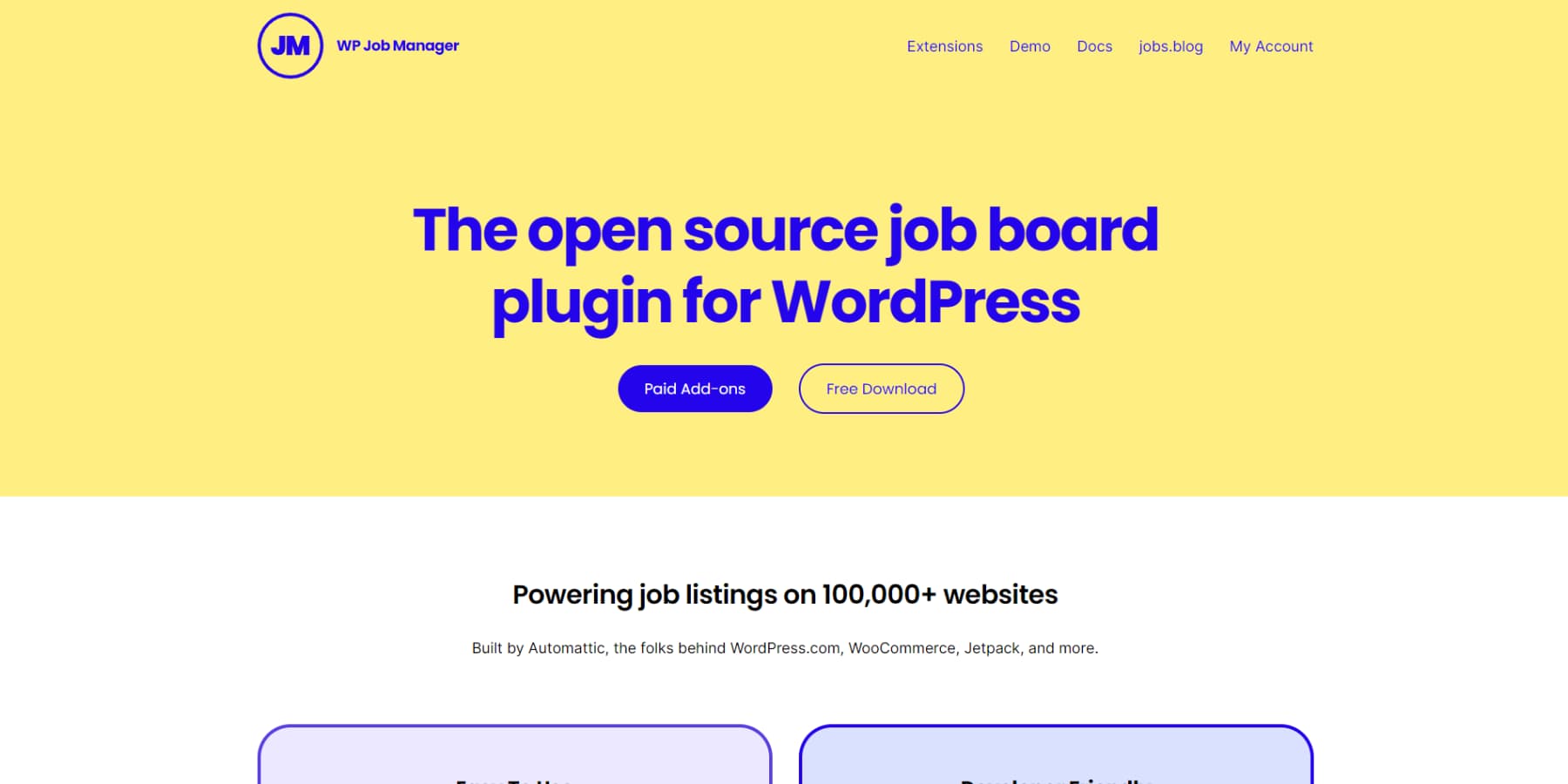
WP Job Manager is the most widely installed job board plugin in the WordPress ecosystem by a significant margin — over 4.6 million installations according to WordPress.org data from February 2026. It is built and maintained by Automattic, the company behind WordPress.com, WooCommerce, and Jetpack. That backing matters: the plugin receives regular updates, integrates cleanly with WooCommerce, and has an extensive ecosystem of compatible premium themes.
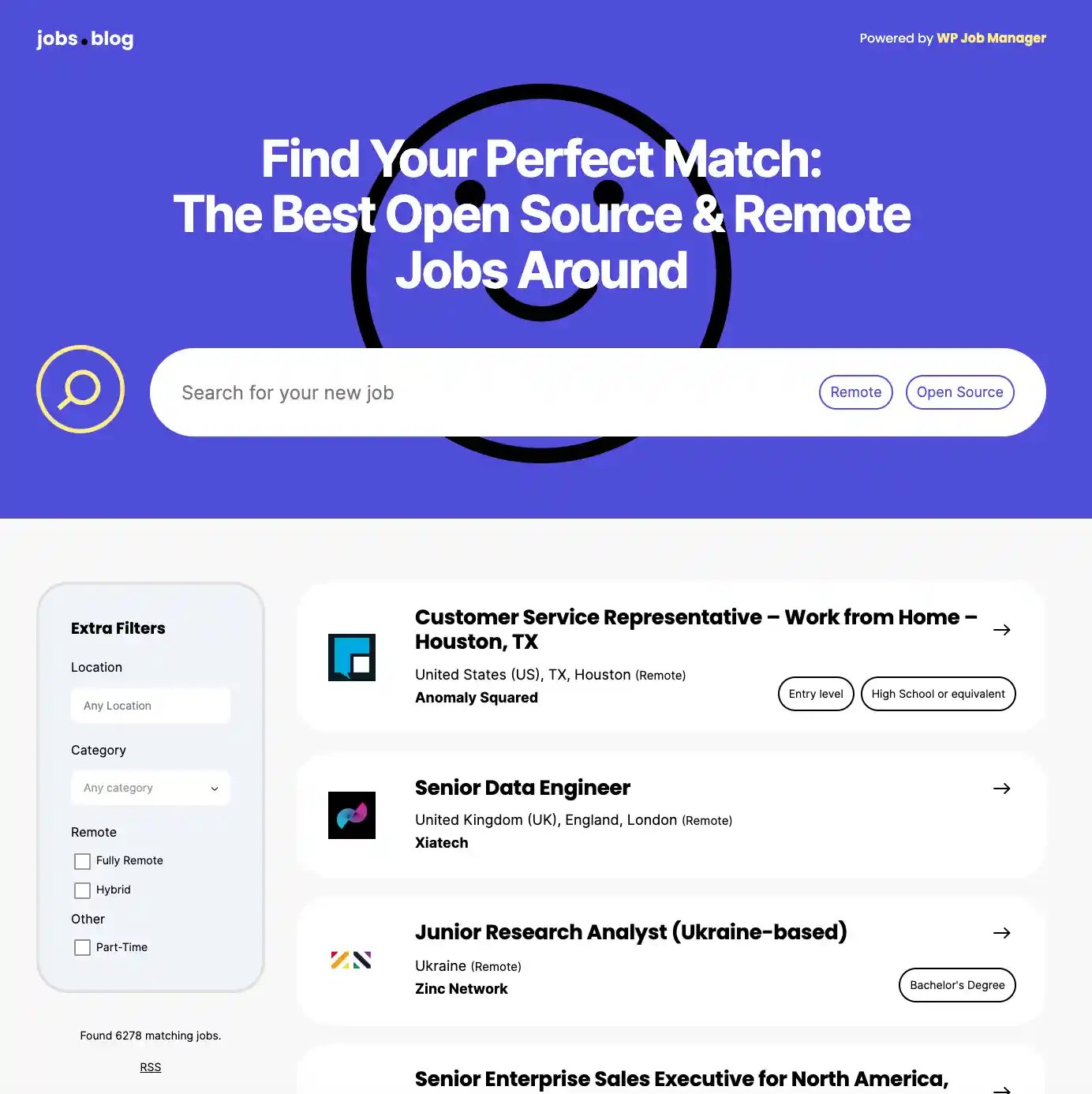
The free core plugin gives you job listing pages via shortcodes, a frontend job submission form so employers can post listings without accessing wp-admin, an employer dashboard, application routing (candidates apply via email or an external URL), RSS feeds for job alerts, and Google Job Schema markup for Google for Jobs visibility. That is a substantial feature set without spending anything.
If you need more — paid listings, resume management, or application forms hosted on-site rather than routed externally — the premium add-on bundle covers all of those. The bundle starts at $159 per year (verified March 2026 via wpjobmanager.com).
Pricing: Free core | Add-on bundle from $159/yr
Pros:
- Largest install base of any job board plugin (4.6M+) — plenty of community documentation and tutorials
- Built by Automattic — consistent updates and long-term reliability
- Google for Jobs schema included in the free version
- Massive compatible theme ecosystem (Jobify, WorkScout, and others are built specifically for this plugin)
- Works with any WordPress theme via shortcodes
- 4.4/5 from 236 reviews on WordPress.org
Cons:
- The free version routes applications externally (email or URL) — on-site application forms require the Applications add-on
- Paid listings (charging employers to post) require the WooCommerce Paid Listings add-on
- CSS customization is often needed for modern visual styling
- The $159/yr bundle is a meaningful ongoing cost for small sites
Best for: Site owners of any size who want the most widely supported plugin, compatibility with the broadest range of themes, and the option to scale up with add-ons over time. If you are unsure which plugin to start with, this is the safest default.
2. WP Job Openings — Best for Clean Design Out of the Box
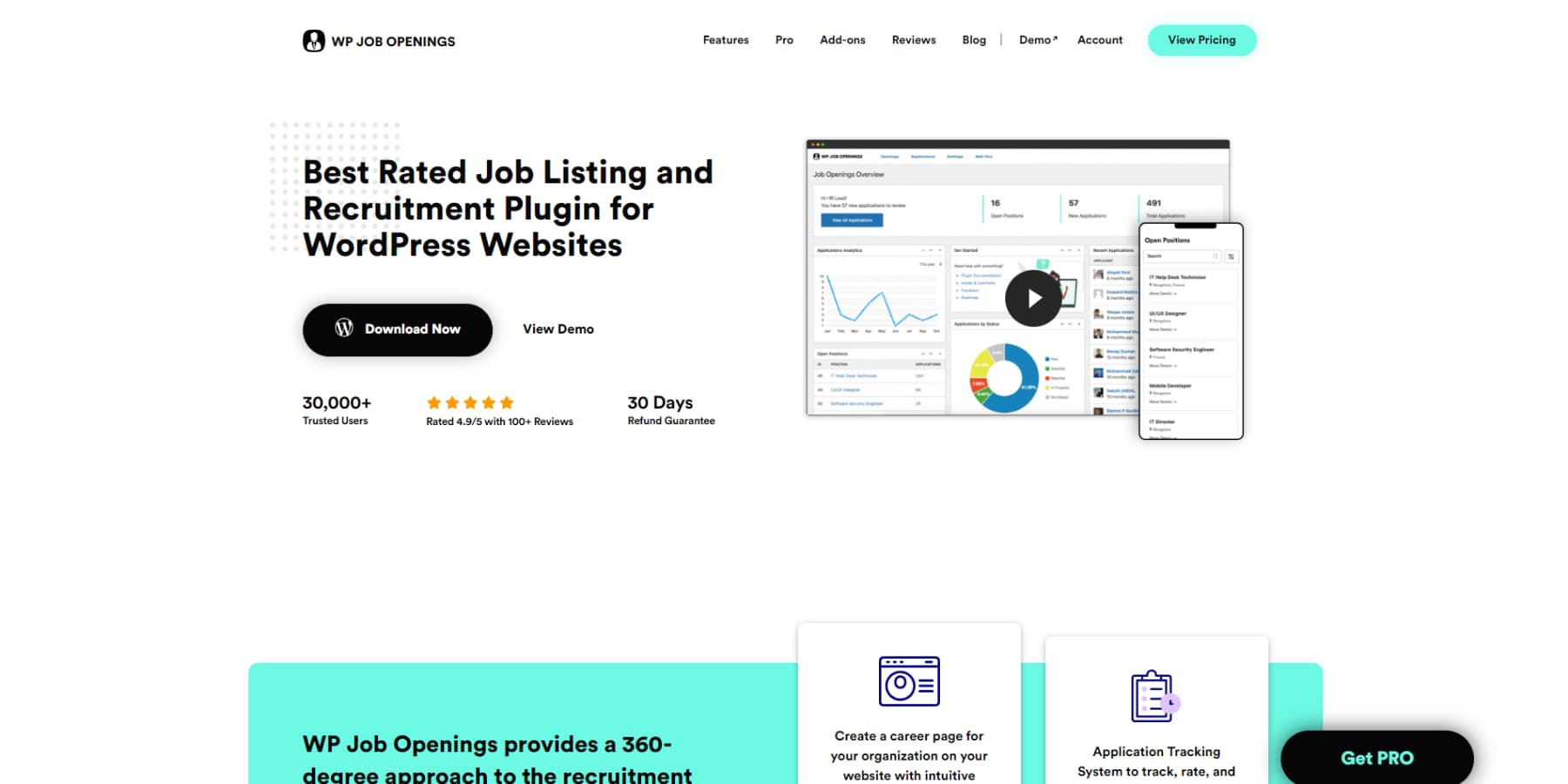
WP Job Openings has a smaller install count than WP Job Manager but earns the highest user rating in this entire comparison: 4.8 out of 5 stars from 190 reviews (WordPress.org, February 2026). Users consistently praise its ease of setup, clean modern layouts, and responsive support team.
The free version includes two built-in layouts (grid and list), AJAX-powered filtering, a default application form, Google Job Schema for structured data — and critically, it looks professional without any additional theme work. Most job board plugins look barebones until you add a purpose-built theme. WP Job Openings is the exception: it ships with polished, mobile-responsive designs that work in virtually any WordPress theme.
The PRO Pack adds a form builder, applicant shortlisting and rating, custom email notification templates, notes and activity logs, file attachments, and application export. Pricing as of March 2026 (verified via wpjobopenings.com):
- Individual (1 site): $89/yr
- Professional (up to 5 sites): $159/yr
- Agency (unlimited sites): $499/yr
- Lifetime plans also available from $249 (1 site)
Note: Several older articles and competitor sources list WP Job Openings PRO pricing as $69/$139/$399. Those prices are outdated. The current verified prices are higher.
Pros:
- Highest user rating of all plugins covered (4.8/5)
- Looks great without a special theme — two polished built-in layouts
- Google Job Schema included in the free version
- WPML multilingual support
- CAPTCHA options (reCAPTCHA v2, hCaptcha, Cloudflare Turnstile) in free version
- 30-day refund guarantee on PRO
- Developer-friendly with extensive hooks
Cons:
- Smaller install base than WP Job Manager — fewer third-party tutorials
- PRO required for advanced applicant management workflows
- No built-in monetization (charging employers for job posts)
- Fewer compatible themes compared to WP Job Manager ecosystem
Best for: Small businesses, HR teams, and agencies that want a professional careers page without investing in a separate theme. Also ideal for anyone prioritizing applicant management features over monetization.
3. WPJobBoard — Best for Monetized Job Board Businesses
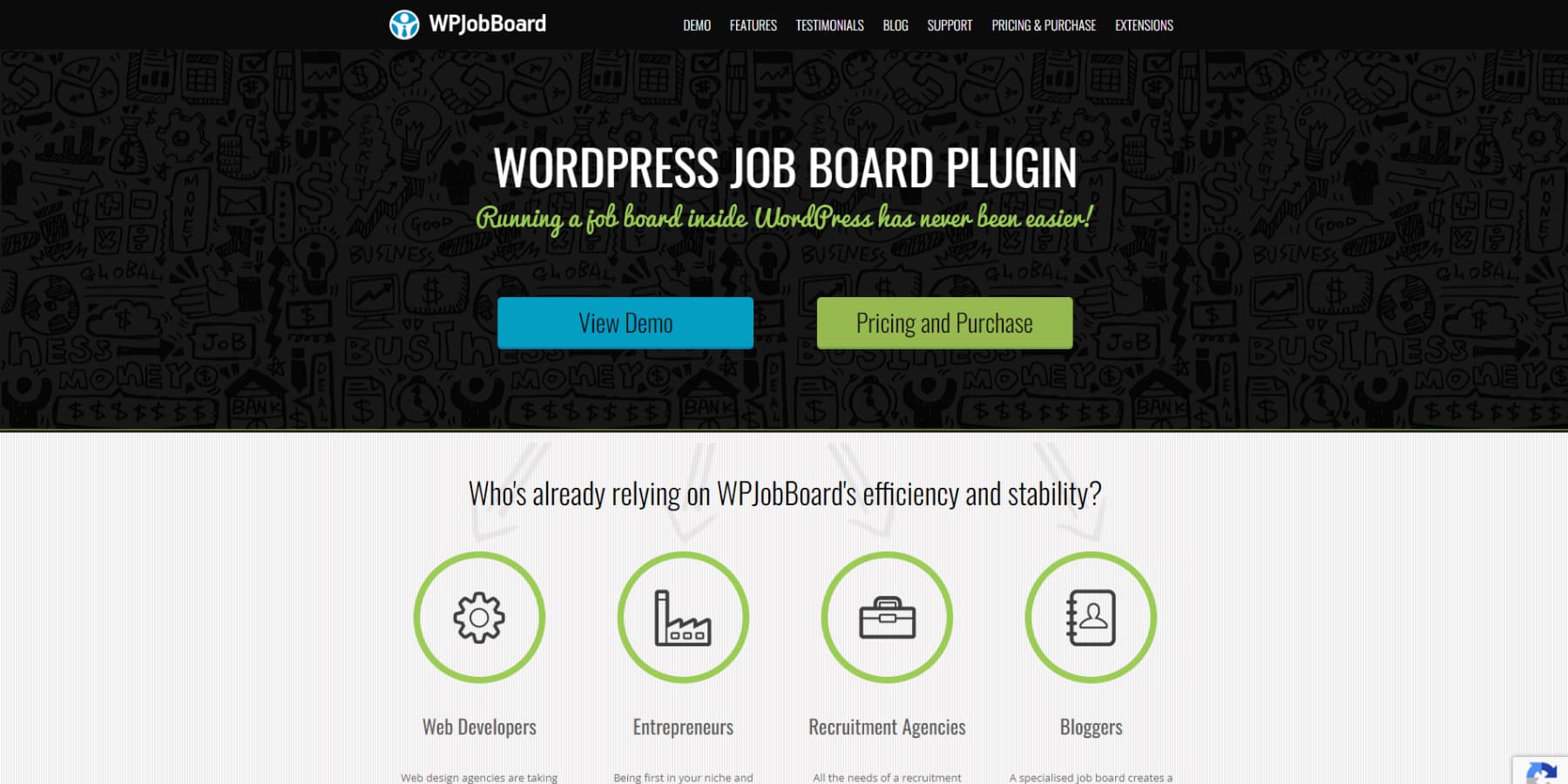
WPJobBoard takes a different approach from every other plugin in this list: there is no free version. You pay from day one, and what you get is a complete, batteries-included system for running a job board as a business. That means built-in paid listing support, PayPal and Stripe payment integration, a drag-and-drop form editor, a resume database, job alert emails, and an applicant management system — all without needing separate add-ons.
Every license also includes a free WordPress theme valued at $79, which means you are effectively getting the plugin and a compatible theme together.
Pricing (verified March 2026 via wpjobboard.net):
- Personal License (1 site): $97/yr
- Business License (unlimited sites you own): $199/yr
- Upgrade from Personal to Business: $110
Pros:
- Monetization built in from day one — charge employers via PayPal or Stripe without add-ons
- Includes a free theme with every license
- Drag-and-drop form editor — no coding required for customization
- Resume database built in
- Strong customer support reputation (“best plugin support I have ever seen” — testimonial from Elegant Themes review)
Cons:
- No free version — you cannot test it without committing financially
- $97/yr is the highest entry price among plugins in this comparison
- Smaller community and fewer third-party resources than WP Job Manager
Best for: Entrepreneurs and small business owners launching a job board website where charging employers for job postings is a core part of the business model. If you need paid listings from the start and want everything in one package, WPJobBoard eliminates the add-on juggling that WP Job Manager requires.
4. Simple Job Board — Best Free Option for Beginners
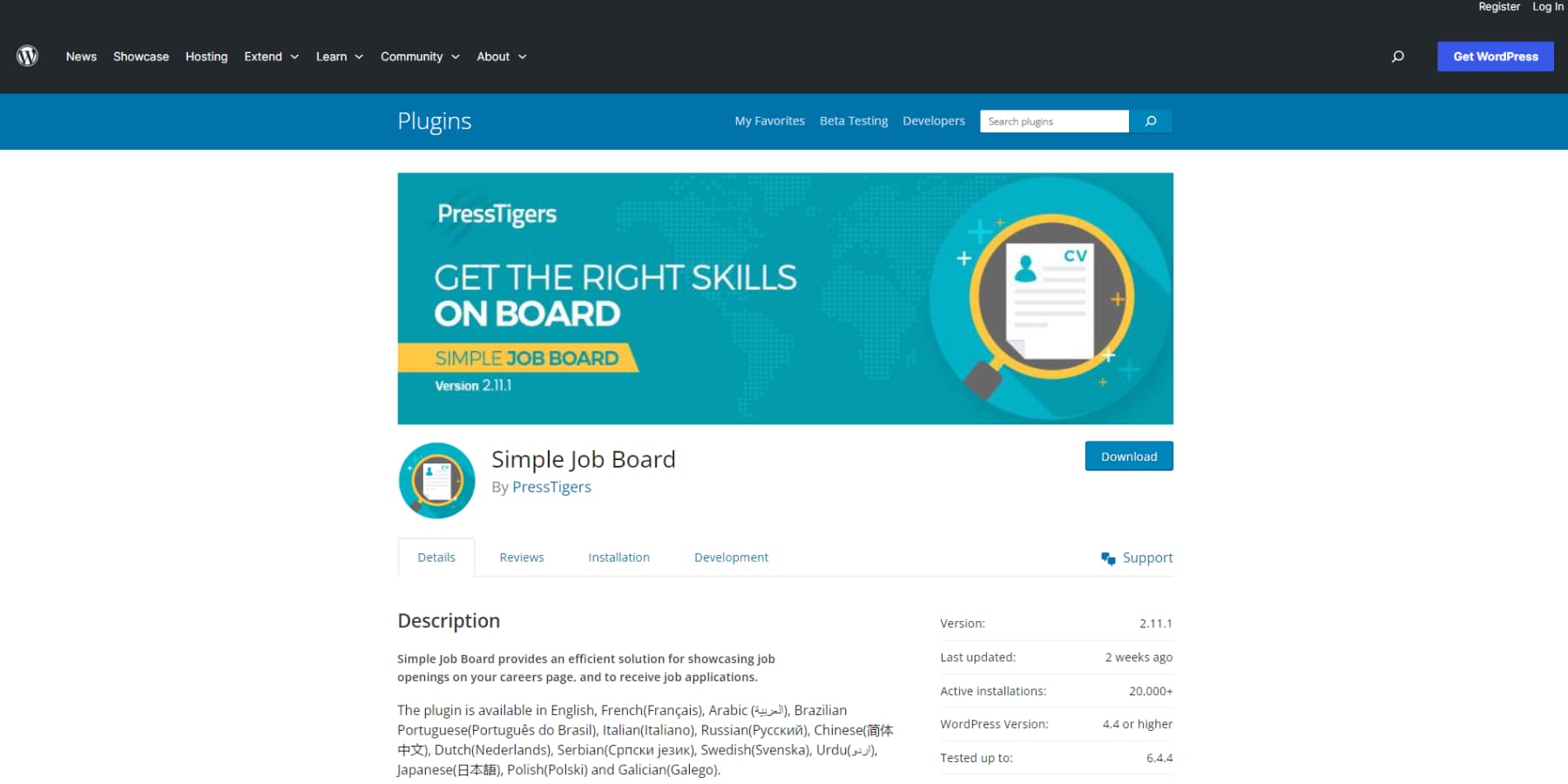
The name is accurate. Simple Job Board does exactly what it says — it lets you manage job listings and receive applications, for free, with minimal setup. It was last updated in March 2026, which confirms active development, and its 4.7/5 rating from 130 WordPress.org reviews speaks to reliability.
The free version includes unlimited job listings, multi-company support, a custom application form builder, applicant list management, resume downloads, and multi-language support in 14+ languages including WPML. There is even a companion mobile app (Android and iOS) for managing listings on the go — a feature none of the other free plugins in this list offer.
Individual add-ons are available for $10-$49 each if you need specific features. Bundle packages range from $25-$75.
Pros:
- Completely free core with no artificial feature limits on listings or applications
- Mobile app for managing listings on Android and iOS
- Multi-language support (14+ languages, WPML) in the free version
- Multi-company job posting support
- Custom application form builder — no coding needed
- Affordable add-ons ($10-$49) if specific features are needed later
Cons:
- Smaller feature set than WP Job Manager or WPJobBoard
- No built-in Google for Jobs schema (manual addition or add-on needed)
- No built-in monetization support
- Fewer theme integrations than WP Job Manager
Best for: Freelancers, nonprofits, and small businesses that need a straightforward careers page or job listing section without any ongoing cost. If budget is the primary concern and monetization is not on the table, Simple Job Board delivers a solid result.
5. WP Job Portal — Best Free Plugin with Add-On Flexibility
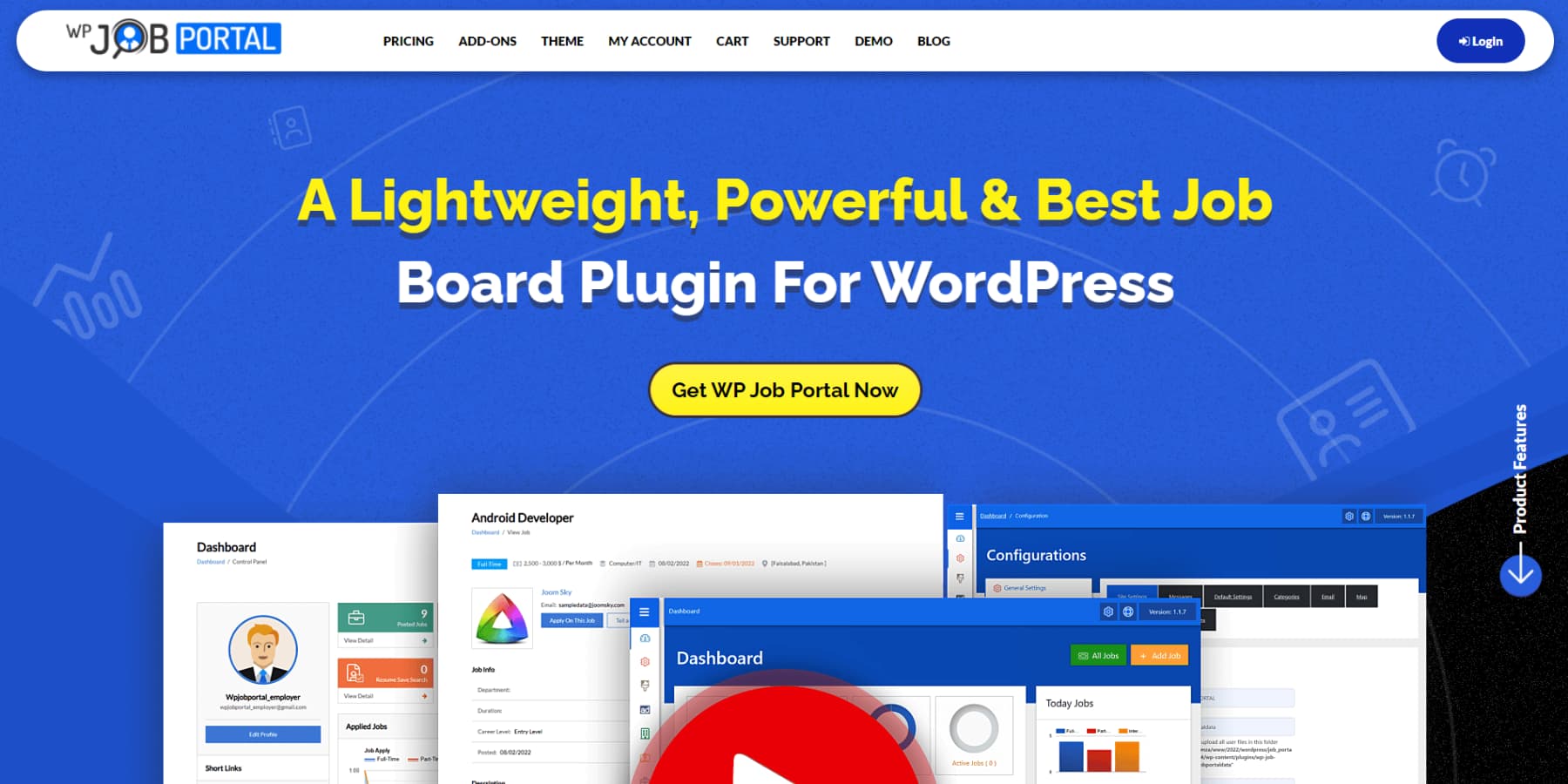
WP Job Portal stands out in the free tier because its free version is more complete than most. It includes both employer and candidate dashboards, frontend job submission, a resume manager, and job application tracking — all without paying anything. That is a meaningfully richer free offering than WP Job Manager’s free tier, which routes applications externally rather than managing them on-site.
Premium add-ons start at around $39/yr for individual features (verify current pricing at time of purchase), letting you pay only for capabilities you actually need rather than committing to a full bundle.
Pros:
- Free version includes both employer and candidate dashboards
- Frontend job submission, resume manager, and application tracking all free
- À la carte add-on model — pay only for specific features
- Works with most WordPress themes
Cons:
- Less polished UI compared to WP Job Openings
- Smaller user community and fewer tutorials available
- Documentation is less comprehensive than WP Job Manager or WPJobBoard
Best for: Site owners who want a genuinely feature-rich free experience and prefer the flexibility of paying à la carte for extras rather than subscribing to a full bundle.
Plugin Feature Comparison Table
The table below shows which key features are included in each plugin’s free version versus requiring payment. “PRO” means the feature is available in the paid tier. A dash means the feature is not available at all.
| Feature | WP Job Manager | WP Job Openings | WPJobBoard | Simple Job Board | WP Job Portal |
|---|---|---|---|---|---|
| Free version | Yes | Yes | No | Yes | Yes |
| Google for Jobs schema | Free | Free | Yes | Add-on needed | Not confirmed |
| Frontend job submission | Free | Free | Yes | Free | Free |
| On-site application forms | Add-on (paid) | Free | Yes | Free | Free |
| Resume management | Add-on (paid) | — | Yes | Free (download) | Free |
| Paid job listings (monetization) | Add-on (paid) | — | Yes (built-in) | — | — |
| AJAX-powered filtering | Free | Free | Yes | Free | Free |
| Multilingual / WPML support | Partial (free) | Free | Yes | Free (14+ languages) | Not confirmed |
| Drag-and-drop form builder | — | PRO | Yes | Basic (free) | — |
| Employer dashboard | Free | — | Yes | — | Free |
| Candidate dashboard | — | — | Yes | — | Free |
| PayPal/Stripe integration | Add-on (paid) | — | Yes (built-in) | — | — |
| Applicant shortlisting/rating | Add-on (paid) | PRO | Yes | — | Free |
Best WordPress Job Board Themes
Job board themes take a different approach from plugins. Instead of adding functionality on top of an existing theme, these themes ship with job board-specific layouts, design systems, and (often) WP Job Manager integration baked in. Using a purpose-built theme gives you a professional result far faster than trying to style a generic theme to look like a job board.
The tradeoff is flexibility: you are somewhat locked into the theme’s design language, and if you ever switch themes, you may lose visual customizations. For most job board projects, that tradeoff is worth it.
Jobify — Most Popular Job Board Theme
Jobify, by Astoundify, is consistently described as the most popular dedicated job board theme in the WordPress ecosystem. It is purpose-built for WP Job Manager and extends its functionality with WooCommerce paid listings support, resume manager integration, Google Maps integration for location-based job search, and Elementor page builder compatibility.
Price: Approximately $69 (one-time, from Astoundify — verify at time of purchase)
Best for: Entrepreneurs and small business owners launching a full job board platform who want WP Job Manager at the core and need a complete, polished front-end from day one.
WorkScout — Best for Modern Design and User Experience
WorkScout, also from Astoundify, targets sites where design and candidate experience matter most. It offers multiple homepage layouts, company profile pages, social login integration, and an advanced job search interface. Like Jobify, it is built on top of WP Job Manager.
Price: Approximately $79 (one-time, from Astoundify — verify at time of purchase)
Best for: Sites where visual polish and candidate experience are top priorities — agency job boards, professional networks, or industry-specific platforms.
JobEngine — Best for Custom Development Projects
JobEngine by AppThemes is more of a framework than a finished theme. It is designed with customization in mind, offering a highly flexible architecture for developers building bespoke job board solutions. It includes resume listings, employer profiles, and built-in monetization features.
Price: Approximately $89/yr (AppThemes — verify at time of purchase)
Best for: Developers or agencies building custom job board projects where the default design will be substantially modified.
JobRoller — Established Classic
JobRoller, another AppThemes product, is one of the original WordPress job board themes and remains a reliable option. Its design is less contemporary than Jobify or WorkScout, but it is well-documented, stable, and includes basic monetization for employers.
Price: Approximately $69/yr (AppThemes — verify at time of purchase)
Best for: Budget-conscious site owners who want a theme-based approach with a proven track record and do not need cutting-edge design.
WP Job Manager Official Themes
The WP Job Manager team (Automattic) also sells first-party themes through their own store, ensuring deep integration with the plugin:
- Landkit, Front, Jobhunt: Approximately $59 each
- Listee, Specialty: Approximately $49 each
These themes are the safest choice for compatibility if you are committed to the WP Job Manager ecosystem and want a theme that will always be updated in step with the plugin. Verify current pricing at wpjobmanager.com at time of purchase.
Plugin + Theme Combinations That Work Well
One gap in most job board guides is a clear answer to the question: which plugin works with which theme? Here is a practical pairing guide:
- WP Job Manager + Jobify — The most popular combination in the ecosystem. Jobify is designed around WP Job Manager’s data structure and extends it with paid listings, maps, and a polished UI. Ideal for job board businesses.
- WP Job Manager + WorkScout — Best if design and user experience are the highest priority. WorkScout’s multiple layouts give more visual flexibility than Jobify.
- WP Job Manager + any official Automattic theme — The safest combination for long-term compatibility and update alignment.
- WPJobBoard (plugin only) — WPJobBoard includes a free theme with every license, so no separate theme purchase is needed. For an all-in-one monetized board, this is the simplest single-purchase option.
- WP Job Openings (plugin only, no theme needed) — WP Job Openings’ built-in layouts are polished enough that many small business sites do not need a dedicated theme at all. Add it to any existing WordPress theme.
Monetizing Your WordPress Job Board
If your goal is to charge employers to post job listings — turning your site into a revenue-generating platform — your plugin choice significantly affects how easy that is.
WPJobBoard is the cleanest path: payment processing via PayPal and Stripe is built into the plugin. You set up pricing tiers for job posts and the plugin handles payment, listing activation, and expiry.
WP Job Manager can achieve the same result but requires the WooCommerce Paid Listings add-on (part of the $159/yr bundle or available separately). WooCommerce is a widely understood platform, which makes this approach flexible but also adds complexity.
The free plugins — Simple Job Board, WP Job Openings (free tier), and WP Job Portal — do not include monetization tools. If charging for listings is in your plan, you will need to either upgrade to a paid tier or use a different plugin.
SEO and Google for Jobs
Google for Jobs is a dedicated search experience that displays structured job listings directly in Google Search results — complete with job title, company name, salary range, location, and an apply button. Getting your listings into this placement can meaningfully increase organic traffic to your job board.
To appear in Google for Jobs, your job listings need to use JobPosting structured data (Schema.org). Here is how each plugin handles it:
- WP Job Manager: Google Job Schema included in the free core plugin
- WP Job Openings: Google Job Schema included in the free version — no add-on needed
- WPJobBoard: Structured data support included
- Simple Job Board: Not built into the free version — requires an add-on or manual implementation
- WP Job Portal: Not confirmed in available documentation
If Google for Jobs visibility is important to your site, WP Job Manager and WP Job Openings are the two clearest free-tier choices.
How to Choose the Right WordPress Job Board Plugin or Theme
Use the decision tree below to quickly identify your best starting point:
- I need a free solution with zero ongoing cost → Start with Simple Job Board (simplest) or WP Job Manager (most ecosystem support)
- I want the best-looking result without buying a theme → WP Job Openings (free version, two polished built-in layouts)
- I want to charge employers to post jobs from day one → WPJobBoard ($97/yr, everything included) or WP Job Manager + WooCommerce Paid Listings add-on
- I need multilingual / WPML support → WP Job Openings or Simple Job Board
- I want the best Google for Jobs schema support for free → WP Job Manager or WP Job Openings
- I want a full themed job board site, not just a plugin → WP Job Manager + Jobify (most popular) or WP Job Manager + WorkScout (best design)
- I want to build a custom job board as a developer → JobEngine theme or WP Job Manager with custom template files
- I want maximum free features before spending anything → WP Job Portal (includes employer and candidate dashboards for free)
Frequently Asked Questions
What is the best free WordPress job board plugin?
For most sites, WP Job Manager is the best free option because of its massive install base (4.6M+), Automattic backing, Google for Jobs schema support, and compatibility with the widest range of themes and add-ons. If you want a polished look without any theme work, WP Job Openings is the better free choice — it ships with two modern built-in layouts and earns a higher user rating (4.8/5 vs 4.4/5).
Do I need a special theme to use WP Job Manager?
No. WP Job Manager works with any WordPress theme through shortcodes. However, using a purpose-built theme like Jobify or WorkScout gives you a far more polished result with less custom CSS work. Generic themes will display job listings but often look plain without additional styling.
Can I charge employers to post jobs on my WordPress site?
Yes. The easiest way is with WPJobBoard, which has PayPal and Stripe payment processing built in. Alternatively, WP Job Manager supports paid listings via the WooCommerce Paid Listings add-on (included in the $159/yr bundle). The free plugins (Simple Job Board, WP Job Openings free tier, WP Job Portal) do not include monetization tools.
What is Google for Jobs and which plugins support it?
Google for Jobs is a feature in Google Search that displays job listings with enhanced rich results — job title, company, salary, location, and an apply button appear directly in search results. To qualify, your listings need JobPosting structured data markup. WP Job Manager and WP Job Openings both include this schema in their free versions. WPJobBoard also includes it. Simple Job Board requires an add-on or manual setup.
Is WP Job Manager built by WordPress or Automattic?
WP Job Manager is built and maintained by Automattic — the company that runs WordPress.com, WooCommerce, and Jetpack. It is not part of WordPress core itself, but Automattic’s involvement means consistent maintenance, long-term reliability, and close alignment with WordPress standards.
How many job listings can I have with a free plugin?
All five plugins reviewed here — WP Job Manager, WP Job Openings, WPJobBoard (paid), Simple Job Board, and WP Job Portal — support unlimited job listings. There is no artificial cap on the number of listings in any of them. Listing expiry can be configured, and expired listings are typically archived rather than permanently deleted.
Do WordPress job board plugins work with Elementor or Gutenberg?
Most job board plugins use shortcodes to display listings, which work in both Elementor and Gutenberg (you add a shortcode block). WP Job Openings also provides a dedicated Gutenberg block for job listings. WPJobBoard’s drag-and-drop form editor operates independently of page builders. For the deepest Elementor integration, Jobify and WorkScout themes offer Elementor compatibility.
What is the difference between a job board plugin and a job board theme?
A plugin adds job board functionality (listing management, application forms, employer dashboards) to any existing WordPress theme. A theme provides the full visual design and layout of your site, and job board themes are specifically designed to display job listings, search filters, and employer profiles in an optimized way. Many professional job board sites use both — a plugin like WP Job Manager for functionality, and a theme like Jobify for design. You can also use just a plugin (especially WP Job Openings, which has built-in layouts) without a specialized theme.
Conclusion
WordPress gives you more job board options than any other CMS, which is genuinely useful — but it also means spending time sorting through plugins and themes that range from excellent to barely maintained.
The clearest recommendations from this comparison:
- Start for free: WP Job Manager (biggest ecosystem) or WP Job Openings (best design, highest rating)
- Build a monetized business: WPJobBoard (all-in-one, $97/yr)
- Zero budget: Simple Job Board (reliable, actively maintained, completely free)
- Best theme for WP Job Manager: Jobify (most popular) or WorkScout (best design)
Whatever you choose, verify pricing at the plugin’s official site before purchasing — prices in this category change regularly, and several plugins have raised their prices since earlier reviews were published. The pricing in this article was verified in March 2026 where noted.
For more WordPress guides, see wplasma.com.
Sources
- WPGeoDirectory, citing 2022 research: “80% of job searches are conducted online, with 50% of those coming through dedicated job boards.”
- WordPress.org — WP Job Manager plugin page, data as of February 2026: wordpress.org/plugins/wp-job-manager/
- WordPress.org — WP Job Openings plugin page, data as of February 2026: wordpress.org/plugins/wp-job-openings/
- WP Job Manager official site, pricing verified March 2026: wpjobmanager.com
- WP Job Openings PRO pricing, verified March 2026: wpjobopenings.com/pro-pack/
- WPJobBoard pricing, verified March 2026: wpjobboard.net/purchase/
- WordPress.org — Simple Job Board plugin page, data as of March 2026: wordpress.org/plugins/simple-job-board/
